미리보기
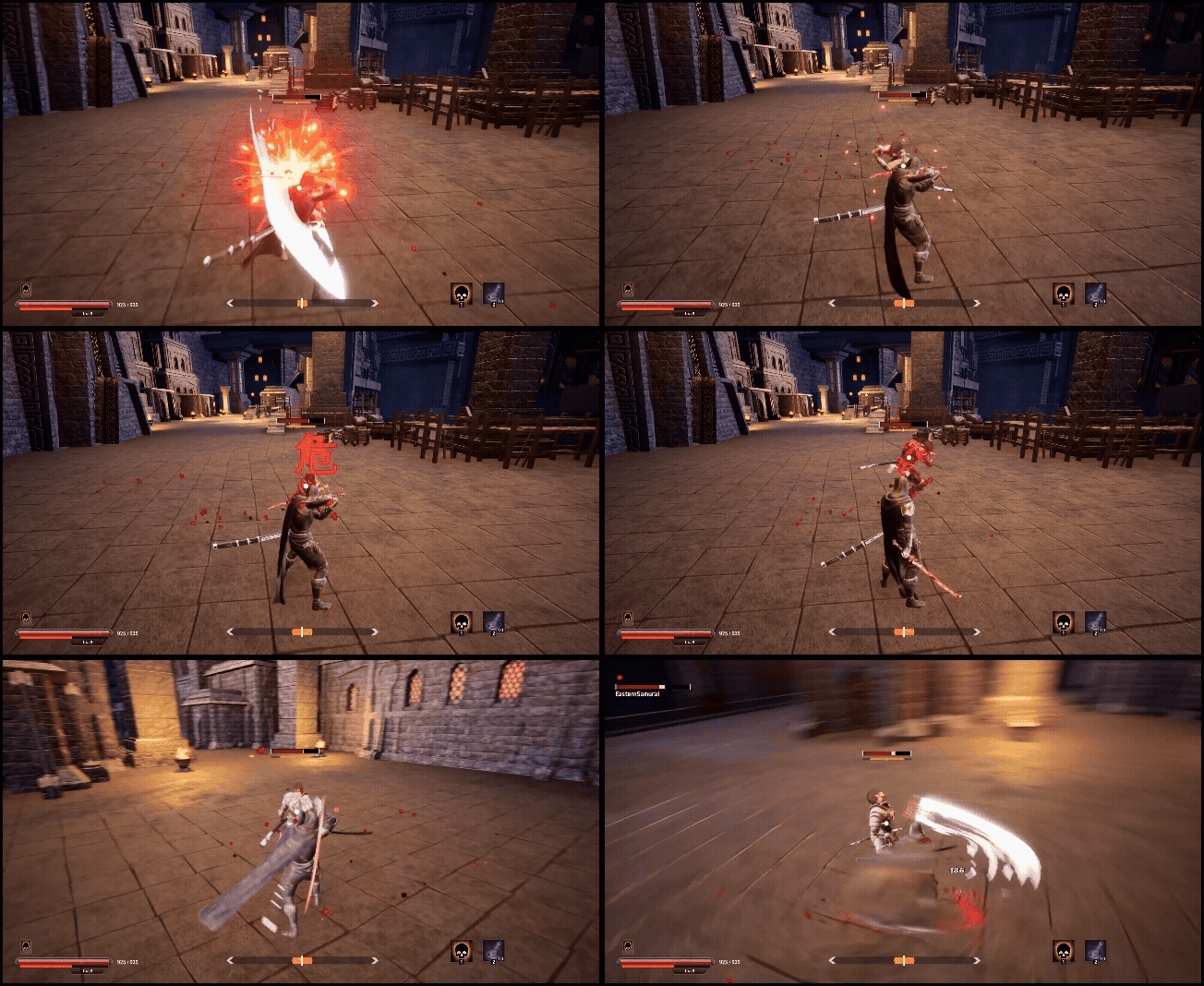
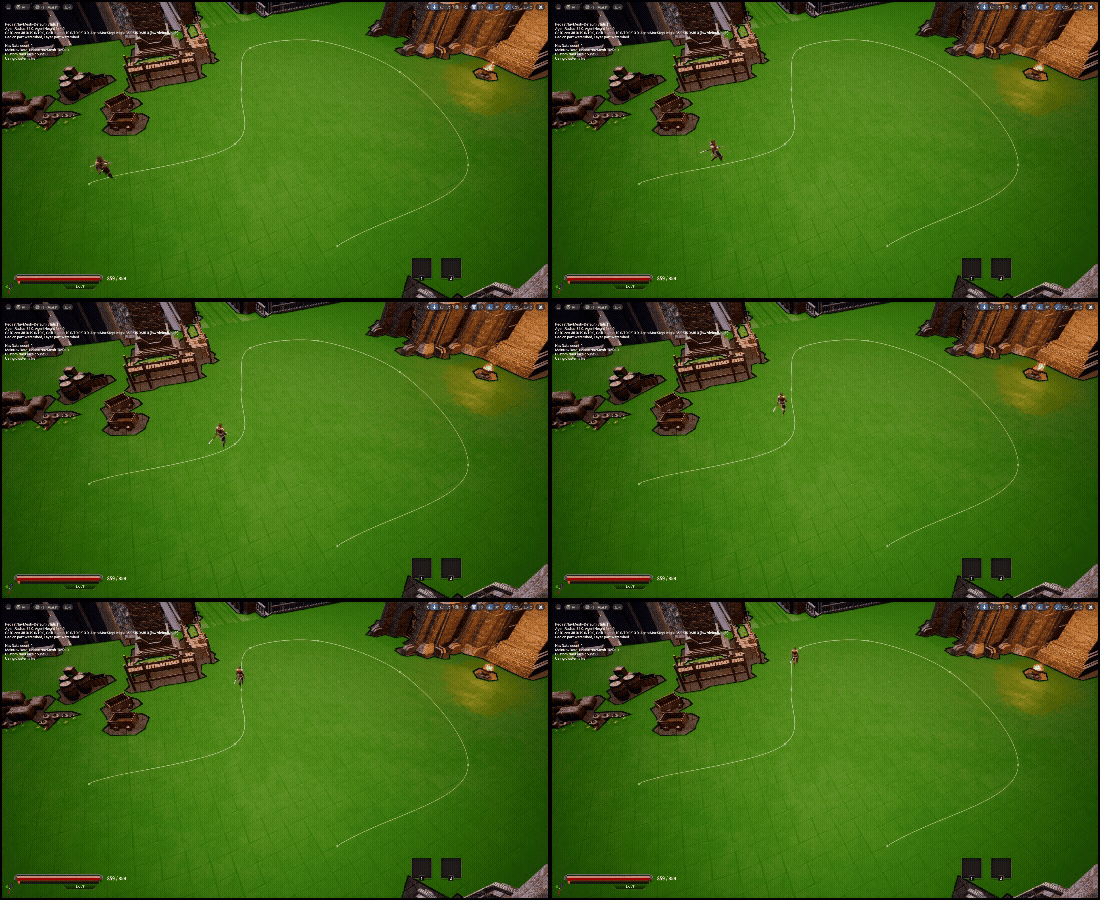
구현내용
1편에서 이어집니다
2026.02.02 - [Unreal 프로젝트 다이어리/두번째 프로젝트] - Unreal - BehaviorTree AI - 1
Unreal - BehaviorTree AI - 1
미리보기구현내용플레이어와 전투를 주고받는 AI의 기초설계를 구현하였습니다구현한 AI의 내용은 이와 같습니다AI - Perception + 커스텀범위 시야기반 인식BehaviorTree 를 사용한 AI 설계Blackboard / Tas
lucodev.tistory.com
미리 만들어둔 전투시스템을 AI의 BehaviorTree와 연동
그리고 AI의 순찰을 구현하였습니다
구현한 내용은 이와 같습니다
- 간파하기 공격 연동
- 플레이어가 죽었을때 AI의 행동 연동
- AI의 Patrol(순찰) 구현
사용클래스
| 사용 클래스 | 사용 목적 |
| PatrolPath(액터) | AI가 이동할 경로를 정의하는 스플라인 컴포넌트를 가진 액터 |
구현
AI가 SplineComponent로 정의된 경로를 따라 이동하며 순찰하는 Patrol 시스템을 구현
우선 Behavior Tree를 업데이트 시켜주었습니다

(어우 이제 노드가 화면에 담기도 버겁습니다)
랜덤 패트롤 Task C++ 구현
#include "T_Patrol.h"
#include "BehaviorTree/BlackboardComponent.h"
#include "AIController.h"
#include "PatrolPath.h"
#include "GameFramework/Pawn.h"
#include "Components/SplineComponent.h"
#include "Navigation/PathFollowingComponent.h"
#include "NavigationSystem.h"

UT_Patrol::UT_Patrol()
{
	NodeName = "Patrol";
	bNotifyTick = true;
	bCreateNodeInstance = true;
}

EBTNodeResult::Type UT_Patrol::ExecuteTask(UBehaviorTreeComponent& OwnerComp, uint8* NodeMemory)
{
	FPatrolMemory* memory = (FPatrolMemory*)NodeMemory;

	AAIController* aiCon = OwnerComp.GetAIOwner();
	UBlackboardComponent* blackBoard = OwnerComp.GetBlackboardComponent();

	APatrolPath* path = Cast<APatrolPath>(blackBoard->GetValueAsObject(patrolSplineKey));
	if (!aiCon || !path)
		return EBTNodeResult::Failed;

	FVector loc =path->GetSpline()->GetLocationAtSplinePoint(memory->PatrolIndex,ESplineCoordinateSpace::World);

	FNavPathSharedPtr navPath;
	aiCon->MoveToLocation(loc, acceptanceRadius);

	return EBTNodeResult::InProgress;
}

void UT_Patrol::TickTask(UBehaviorTreeComponent& OwnerComp, uint8* NodeMemory, float DeltaSeconds)
{

	UBlackboardComponent* blackBoard = OwnerComp.GetBlackboardComponent();
	if (!blackBoard)
		return;

	AAIController* aiCon = OwnerComp.GetAIOwner();
	if (!aiCon)
		return;

	APawn* pawn = aiCon->GetPawn();
	if (!pawn)
		return;


	APatrolPath* path = Cast<APatrolPath>(blackBoard->GetValueAsObject(patrolSplineKey));
	if (!path || !path->GetSpline()) return;

	UPathFollowingComponent* pathComp = aiCon->GetPathFollowingComponent();
	if (!pathComp)
		return;

	if (pathComp->GetStatus() == EPathFollowingStatus::Moving)
		return;

	int32 curIdx = blackBoard->GetValueAsInt(patrolIndexKey);
	int32 curDir = blackBoard->GetValueAsInt(patrolDirKey);
	int32 lastIdx = blackBoard->GetValueAsInt(patrolEndKey);

	int32 nextIdx = curIdx + curDir;

	// Ping-Pong 처리
	if (nextIdx > lastIdx)
	{
		curDir = -1;
		nextIdx = lastIdx - 1;
	}
	else if (nextIdx < 0)
	{
		curDir = 1;
		nextIdx = 1;
	}

	blackBoard->SetValueAsInt(patrolIndexKey, nextIdx);
	blackBoard->SetValueAsInt(patrolDirKey, curDir);

	FVector nextLoc = path->GetSpline()->GetLocationAtSplinePoint(nextIdx, ESplineCoordinateSpace::World);
	blackBoard->SetValueAsVector(patrolLocationKey, nextLoc);


	aiCon->MoveToLocation(nextLoc, acceptanceRadius);
}

uint16 UT_Patrol::GetInstanceMemorySize() const
{
	return sizeof(FPatrolMemory);
}
그리고 플레이어의 일반 가드를 무시하는 위험공격 즉 간파하기 시스템을 연동해주었습니다
2026.01.16 - [Unreal 프로젝트 다이어리/두번째 프로젝트] - Unreal - 적 공격 간파하기
Unreal - 적 공격 간파하기
미리보기구현내용적의 공격이 위협적이다 라는걸 글자로 표시하면서일반가드로는 가드가 불가능한 위험한 공격을 만들고해당 공격을 간파하는 기능을 구현하였습니다 구현이번글은 전의 가
lucodev.tistory.com
간파하기를 실행할때 적의 오버레이 메테리얼을 조절하여 조금더 위험한 느낌을 연출해봤습니다.
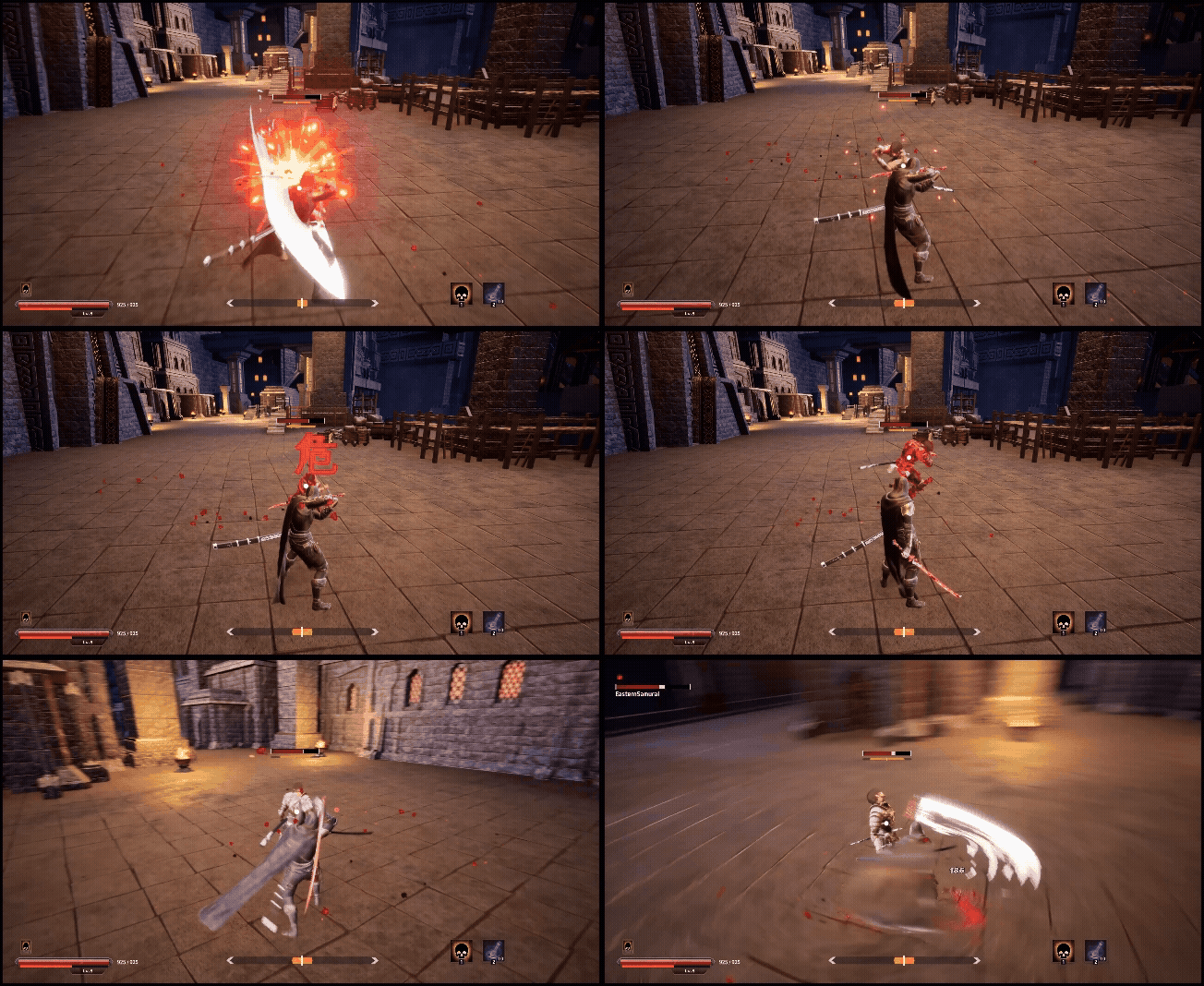
영상
'Unreal 프로젝트 다이어리 > 두번째 프로젝트' 카테고리의 다른 글
| Unreal - AI (0) | 2026.02.06 |
|---|---|
| Unreal - AI (EQS Strafe 이동) (0) | 2026.02.06 |
| Unreal - AI (Behavior Tree 설계하기) (0) | 2026.02.02 |
| Unreal - 달리 줌 (Dolly - Zoom) (0) | 2026.01.25 |
| Unreal - 상호작용 추가 (2) | 2026.01.24 |