구현내용
세키로 처럼 아이템을 픽업할때 혹은 인터렉션 상호작용할때
플레이어에게 무슨 키를 사용해서 상호작용할수있는지 픽업 인디케이터인
상호작용 프롬프트를 만들었습니다
게임플레이어에게 따로 무슨키로 상호작용할수있는지 알려주지않아도
아 무슨키로 상호작용 / 픽업 할수 있구나! 라는걸 구현하고싶었습니다
세키로의 예시입니다
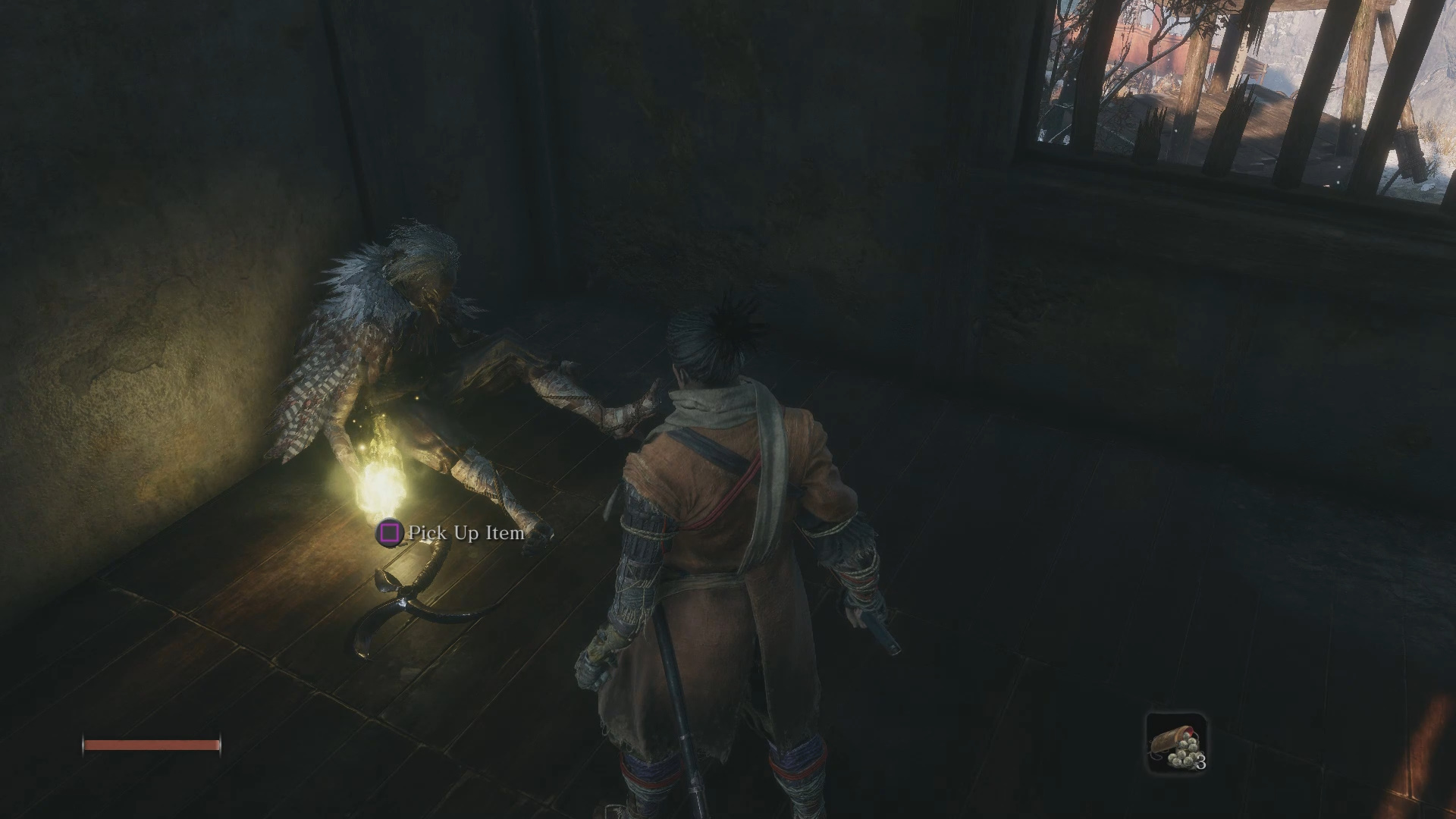
플레이해본사람은 다 아시듯이 플레이어가 어느정도 상호작용할수있는 거리에가면 빈 원이 생기고
더 가까이가게되면 빈 원에 상호작용 키가 생긴다
사용한 클래스
| 사용한 클래스 | 사용 목적 |
| PingIndicator(액터) | 근처에 상호작용 대상이 있음을 알려주는 액터 거리체크 ,위젯 표시 역할 |
| PingInteractionWidget(위젯) | PingIndicator에서 표시될 위젯 |
구현
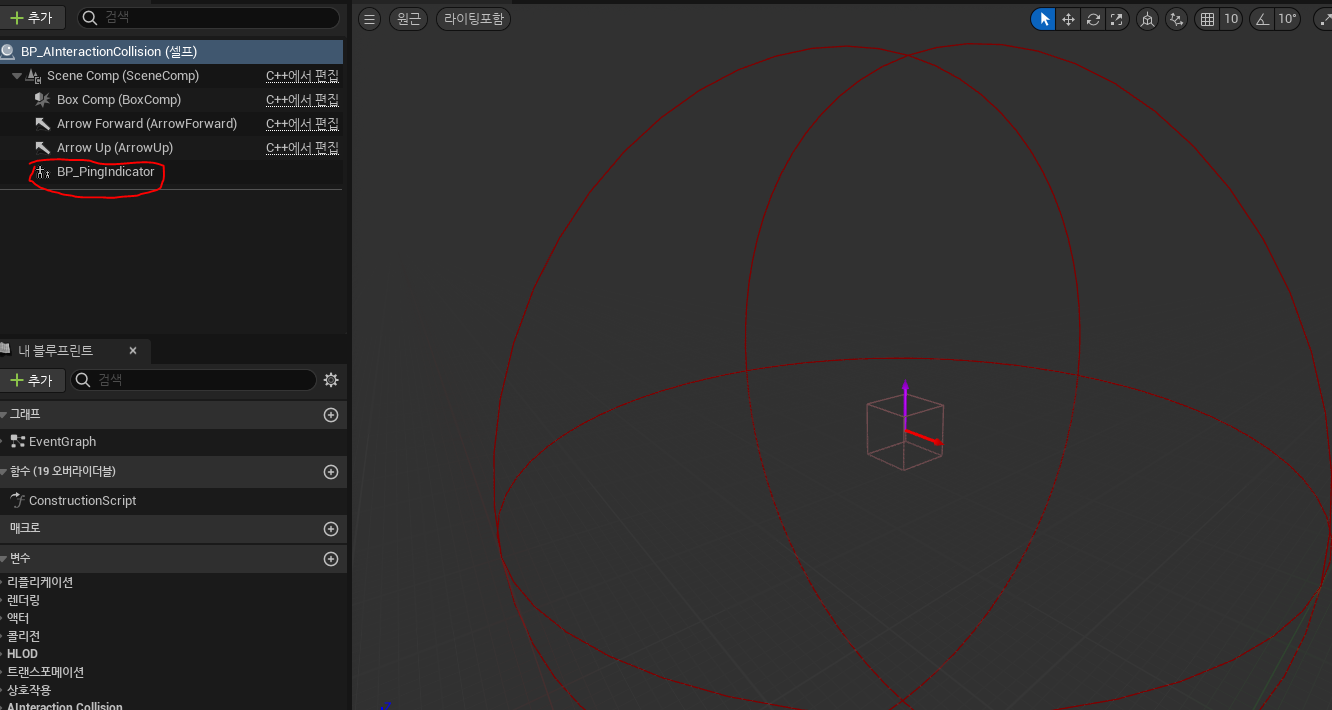
현재 인터렉션이 가능한 인터렉션액터 에 PingIndicator를 붙히는 방식으로 사용하기로 하였습니다
모든 E키로 상호작용이 가능한 상호작용대상은 InteractionCollision이라는 액터이니 해당 액터에 붙혀서 사용하였습니다
PingIndicator입니다
pintDistance 는 원이 보이기 시작할 거리, interactionDistance는 인터렉션 키가 표시될 거리를 명시해주고
오버랩이벤트를 위한 sphereComp, 표시될 위젯과 월드에 붙어 다니는 상호작용 ui를 띄우기위한
3D월드에 띄울 pingWidgetComp를 선언합니다
UPROPERTY(EditAnywhere, Category = "Interaction")
float pintDistance = 500.f;

UPROPERTY(EditAnywhere, Category = "Interaction")
float interactionDistance = 200.f;

UPROPERTY(VisibleAnywhere, Category = "Interaction")
class USphereComponent* sphereComp;

UPROPERTY(EditAnywhere, Category = "Interaction")
TSubclassOf<class UPingInteractionWidget> pingInteractionWidgetClass;

UPROPERTY()
UPingInteractionWidget* pingInteractionWidget;

UPROPERTY(VisibleAnywhere, Category = "Interaction")
class UWidgetComponent* pingWidgetComp;

UPROPERTY(EditAnywhere, BlueprintReadWrite, Category = "Interaction")
FText interactionKeyText;
별다른 특별한 내용은없습니다 오버랩이벤트가 시작하면 위젯에서 보여지는 애니메이션이 실행되고
오버랩되었을때 플레이어와 거리를 Dist함수로 재서 위젯의 스위처를 변경해줍니다
APingIndicator::APingIndicator()
{

	PrimaryActorTick.bCanEverTick = true;
	USceneComponent* root = CreateDefaultSubobject<USceneComponent>(TEXT("Root"));
	RootComponent = root;

	sphereComp = CreateDefaultSubobject<USphereComponent>(TEXT("SphereComp"));
	sphereComp->SetupAttachment(RootComponent);
	sphereComp->SetSphereRadius(pintDistance);
	sphereComp->SetCollisionEnabled(ECollisionEnabled::QueryOnly);
	sphereComp->SetCollisionResponseToAllChannels(ECR_Ignore);
	sphereComp->SetCollisionResponseToChannel(ECC_Pawn, ECR_Overlap);
	sphereComp->SetGenerateOverlapEvents(true);

	pingWidgetComp = CreateDefaultSubobject<UWidgetComponent>(TEXT("PingWidgetComp"));
	pingWidgetComp->SetupAttachment(RootComponent);
	pingWidgetComp->SetWidgetSpace(EWidgetSpace::Screen);
	pingWidgetComp->SetDrawAtDesiredSize(true);
	pingWidgetComp->SetPivot(FVector2D(0.5f, 0.5f));
	pingWidgetComp->SetWidgetClass(pingInteractionWidgetClass);
	pingWidgetComp->SetVisibility(false);
}

void APingIndicator::Tick(float DeltaTime)
{
	Super::Tick(DeltaTime);
	if (!bPlayerIn)
		return;

	if (mainChar->bInteracting)
	{
		pingWidgetComp->SetVisibility(false);
		return;
	}

	pingWidgetComp->SetVisibility(true);

	FVector playerLoc = mainChar->GetActorLocation();
	FVector pingLoc = GetActorLocation();

	float dist = FVector::Dist(playerLoc, pingLoc);

	const bool bShowCircle = dist > interactionDistance;
	pingInteractionWidget->SetInteractionState(bShowCircle);
}
void APingIndicator::OnSphereBeginOverlap(UPrimitiveComponent* OverlappedComp, AActor* OtherActor, UPrimitiveComponent* OtherComp, int32 OtherBodyIndex, bool bFromSweep, const FHitResult& SweepResult)
{
	if (OtherActor == mainChar && OtherComp == capsuleComp)
	{
		if (pingWidgetComp)
		{
			pingWidgetComp->SetVisibility(true);
			pingInteractionWidget->PlayFadeCircleAnim(true);
		}
		mainChar->interactionComp->currentPingIndicator = this;
		bPlayerIn = true;
	}
}

void APingIndicator::OnSphereEndOverlap(UPrimitiveComponent* OverlappedComp, AActor* OtherActor, UPrimitiveComponent* OtherComp, int32 OtherBodyIndex)
{
	if (OtherActor == mainChar && OtherComp == capsuleComp)
	{
		if (pingWidgetComp)
			pingInteractionWidget->PlayFadeCircleAnim(false);

		mainChar->interactionComp->currentPingIndicator = nullptr;
		bPlayerIn = false;
	}
}
사용할 객체에 붙혀줍니다
결과
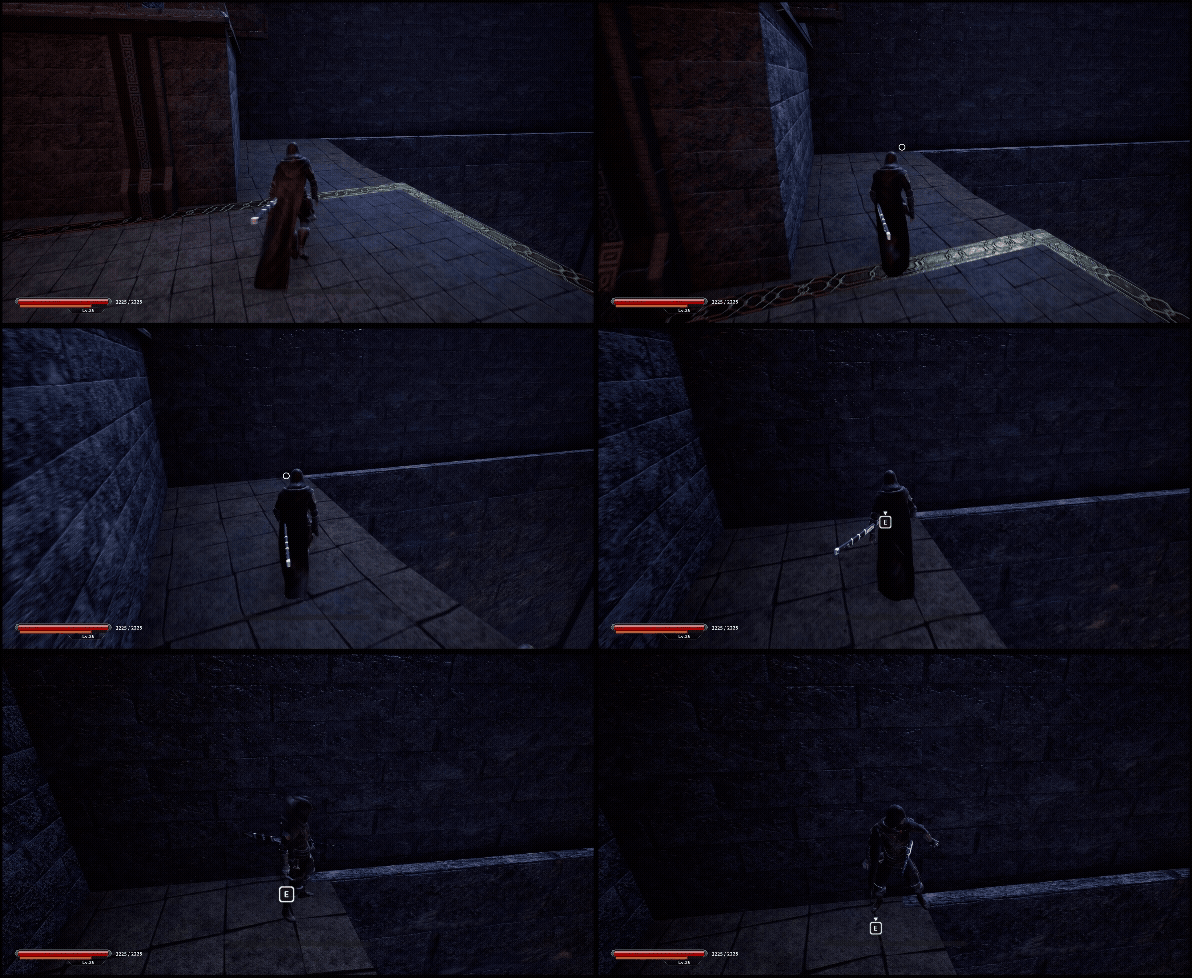
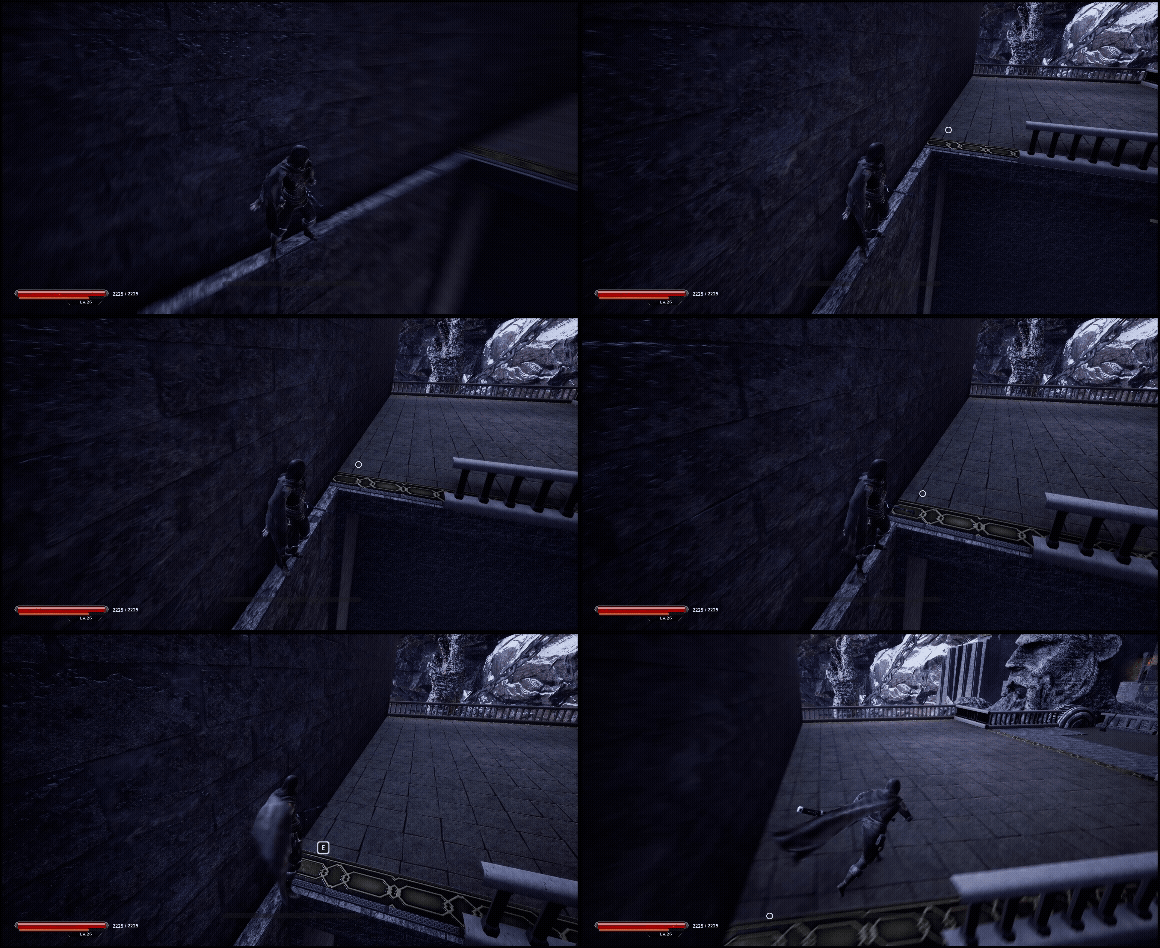
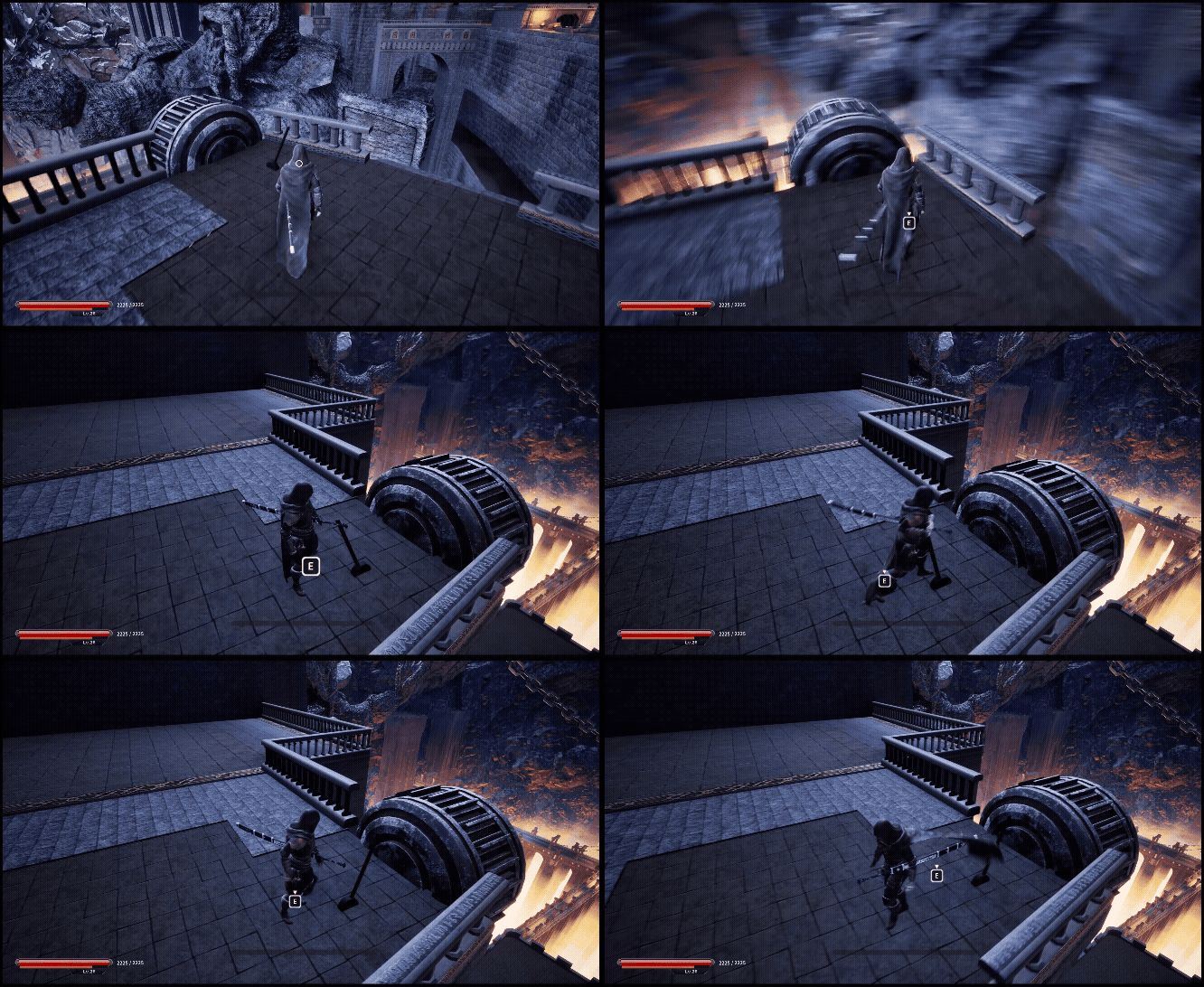
Edge Traversal편
2025.11.09 - [Unreal 프로젝트 다이어리/두번째 프로젝트] - Unreal - 상호작용(Edge Traversal)
Unreal - 상호작용(Edge Traversal)
플레이어가 원래는 갈수없는 길을 벽을기대고 아슬아슬하게 넘어가는Edge Traversal을 구현하였습니다 구현방식은 이와같습니다1. 캐릭터한테 커스텀 컴포넌트인 InteractionComponent를 달아주기2.. Coll
lucodev.tistory.com
승강기 편
2025.11.12 - [Unreal 프로젝트 다이어리/두번째 프로젝트] - Unreal - 상호작용(승강기)
Unreal - 상호작용(승강기)
이 글은 전 글과 이어집니다2025.11.09 - [Unreal5 프로젝트 다이어리2] - Unreal - 상호작용(Edge Traversal) Unreal - 상호작용(Edge Traversal)플레이어가 원래는 갈수없는 길을 벽을기대고 아슬아슬하게 넘어가
lucodev.tistory.com
사다리 편
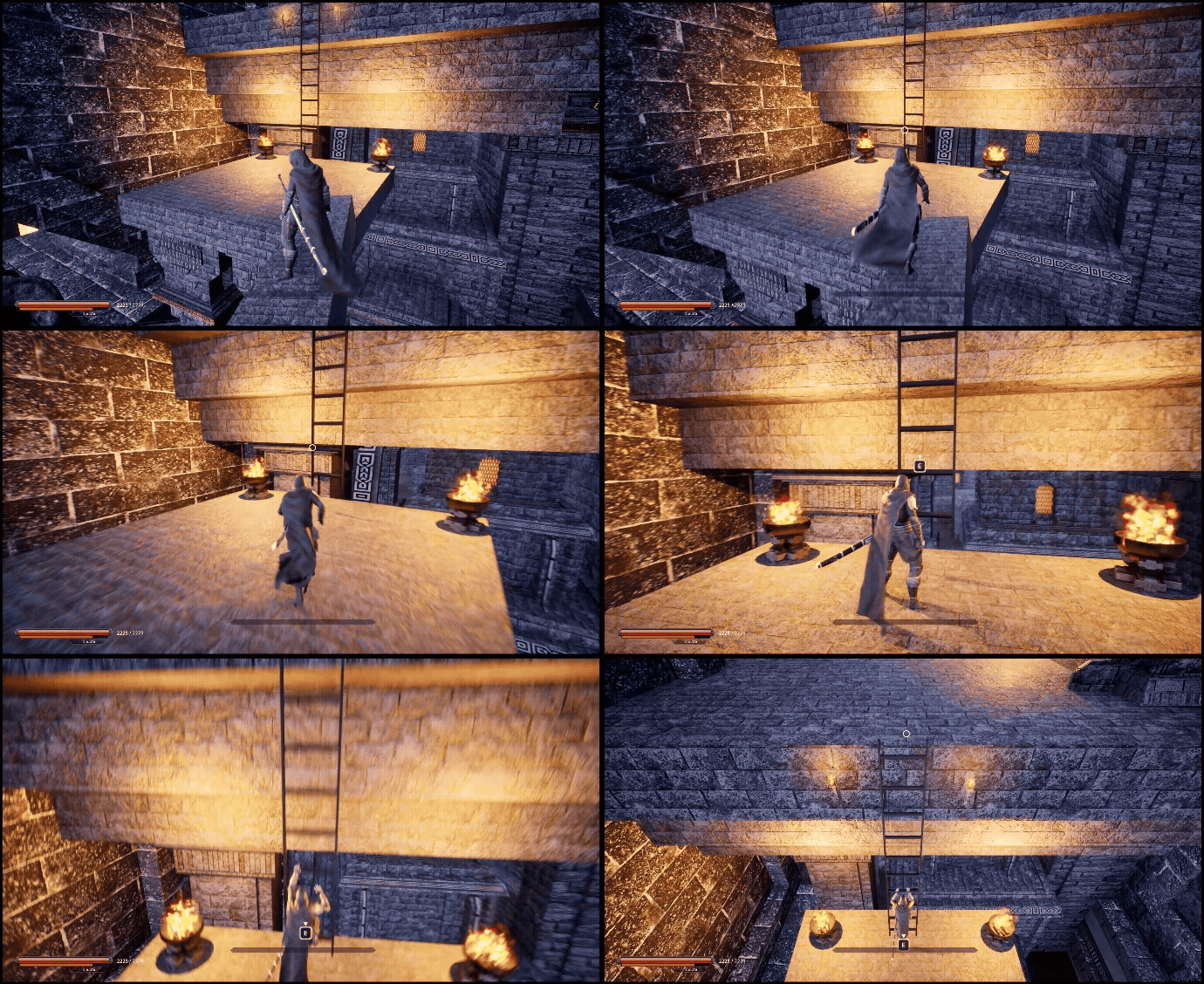
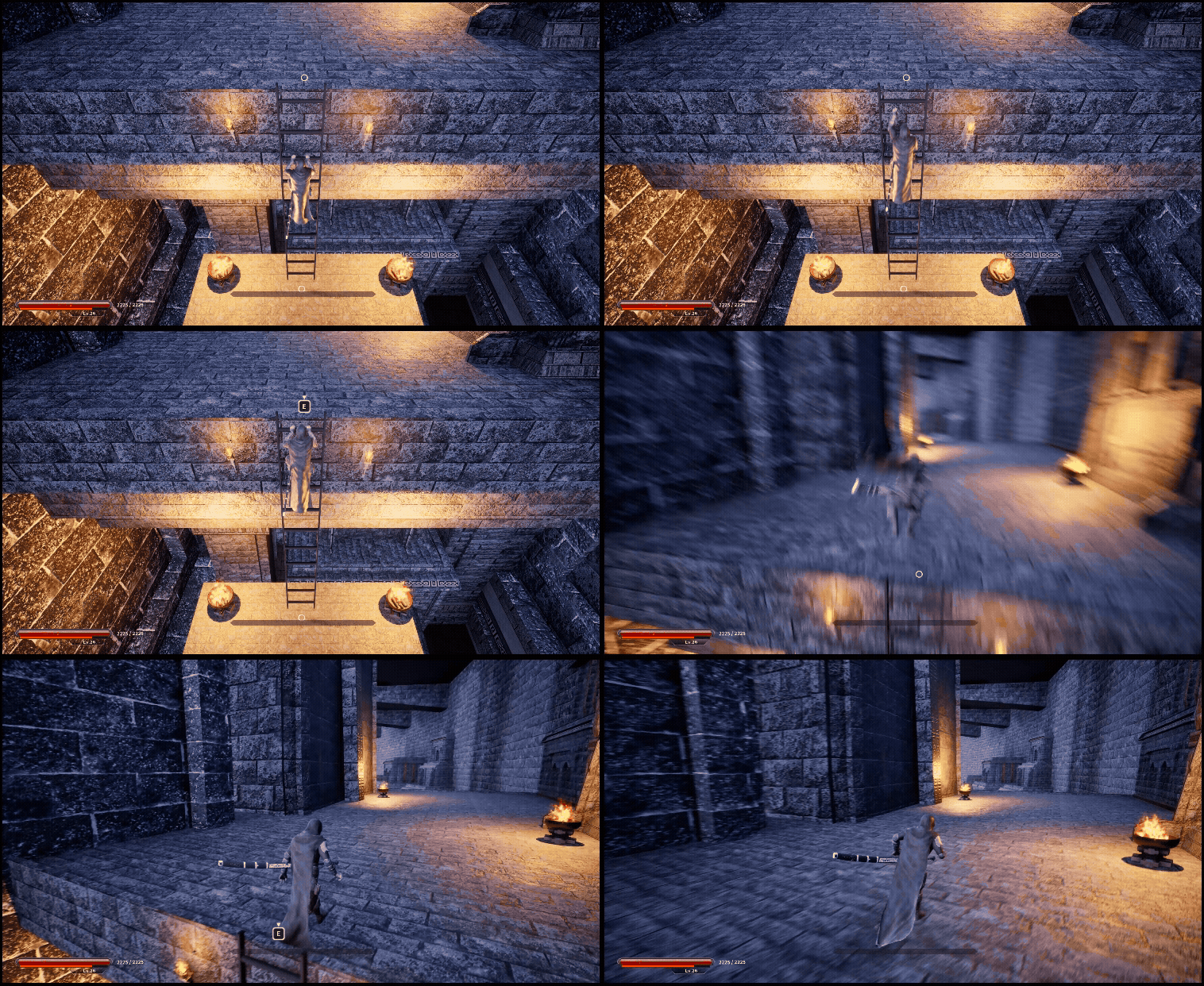
2025.11.15 - [Unreal 프로젝트 다이어리/두번째 프로젝트] - Unreal - 상호작용(사다리 타기)
Unreal - 상호작용(사다리 타기)
1. 스플라인을 따라 메시가 자동 세팅되는 사다리 만들기하드코딩이 아닌 사다리의 크기를 유연하게 쓰고싶어서 사다리를 스플라인컴포넌트 길이에 비례하여메시가 일정한 비율로 세팅되도록
lucodev.tistory.com
큐브 편
Npc 편
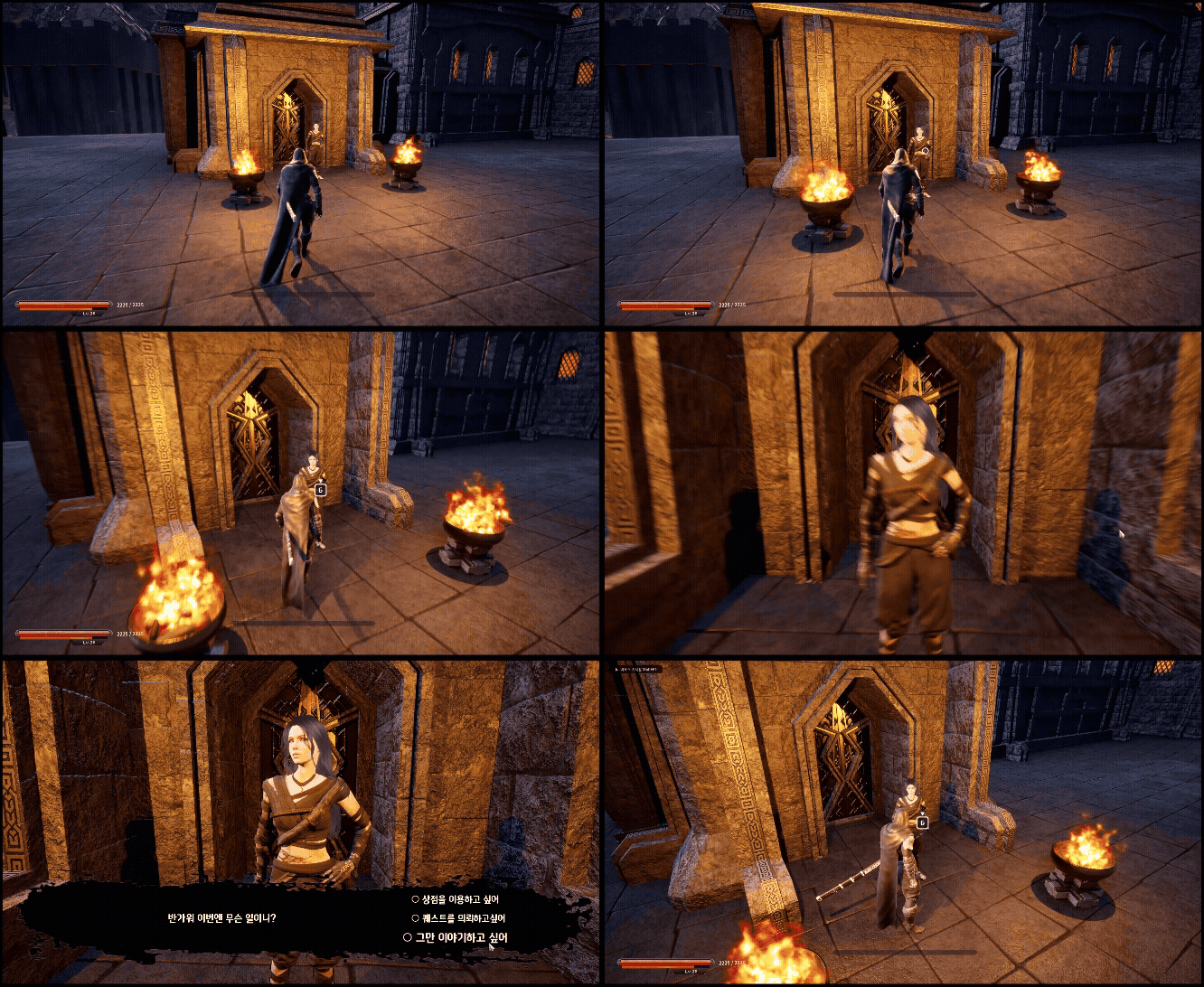
영상
'Unreal 프로젝트 다이어리 > 두번째 프로젝트' 카테고리의 다른 글
| Unreal - 대화 Npc (0) | 2025.12.22 |
|---|---|
| Unreal - 퀘스트 시스템 (0) | 2025.12.19 |
| Unreal - 상점 Npc (1) | 2025.12.17 |
| Unreal - Loot Notification 위젯 (0) | 2025.12.14 |
| Unreal - HitStop(히트스탑) & Hud(허드) (1) | 2025.12.12 |