캐릭터를 회전시킬때 마우스를 회전하면 캐릭터는 가만있고 카메라만 회전해야하는데
지금은 캐릭터도 같이회전해버린다 수정해보자
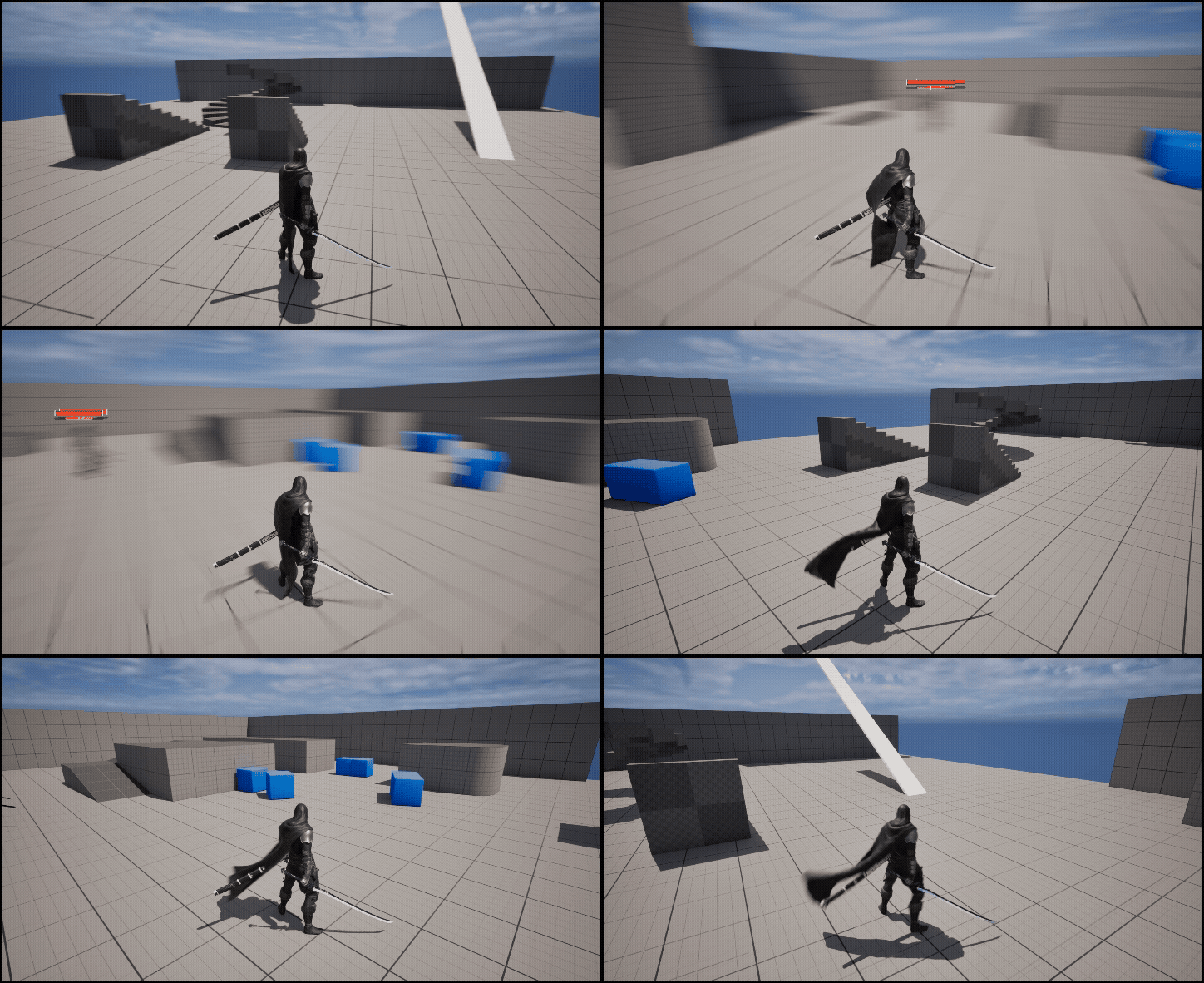
현재 컨트롤러에 바인드된 카메라제어는 이와같다
Axis축에 따라 Yaw인풋을 변경하고있다
InputComponent->BindAxis("MouseX", this, &AMainCharacterController::TurnCamera);

void AMainCharacterController::TurnCamera(float axisValue)
{
	AddYawInput(axisValue * mouseSensitivity);
}
캐릭터의 생성자 코드를 수정
AMainCharacter::AMainCharacter()
{
	PrimaryActorTick.bCanEverTick = true;
	SetRootComponent(GetCapsuleComponent());
	GetMesh()->SetRelativeLocation(FVector(0.f, 0.f, -90.f));
	GetMesh()->SetRelativeRotation(FRotator(0.f, -90.f, 0.f));
	//Character Settings
	ConstructorHelpers::FObjectFinder<USkeletalMesh> mainCharAsset
	(TEXT("/Game/MainCharacter/SKM_MainCharacter.SKM_MainCharacter"));
	if (mainCharAsset.Succeeded())
	{
		GetMesh()->SetSkeletalMesh(mainCharAsset.Object);
	}

	cameraBoom = CreateDefaultSubobject<USpringArmComponent>(TEXT("MainCameraBoom"));
	cameraBoom->SetupAttachment(RootComponent);

	//view settings (BackView, thirdPerson)
	cameraBoom->TargetArmLength = 400.f;
	cameraBoom->SetRelativeRotation(FRotator(0.f));
	cameraBoom->bEnableCameraLag = true;
	cameraBoom->CameraLagSpeed = 15.f;

    cameraBoom->bUsePawnControlRotation = true;
    cameraBoom->bInheritPitch = false;
    cameraBoom->bInheritYaw = true;
    cameraBoom->bInheritRoll = false;

	//camera hit handling
	cameraBoom->bDoCollisionTest = true;

	mainCamera = CreateDefaultSubobject<UCameraComponent>(TEXT("MainCamera"));
	mainCamera->SetupAttachment(cameraBoom);
	mainCamera->SetRelativeLocation(FVector(33.f, 0.f, 180.f));
	mainCamera->SetRelativeRotation(FRotator(-17.5f, 0.f, 0.f));
	mainCamera->bUsePawnControlRotation = false;

	//camera mouse handling
	bUseControllerRotationYaw = false;
	bUseControllerRotationPitch = false;
	bUseControllerRotationRoll = false;

    GetCharacterMovement()->bOrientRotationToMovement = true;
    GetCharacterMovement()->bUseControllerDesiredRotation = true;
    GetCharacterMovement()->RotationRate = FRotator(0.f, 540.f, 0.f);

	//jump handling
	GetCharacterMovement()->JumpZVelocity = 600.f;
 }
해당 옵션을 코드로 켜주면 된다

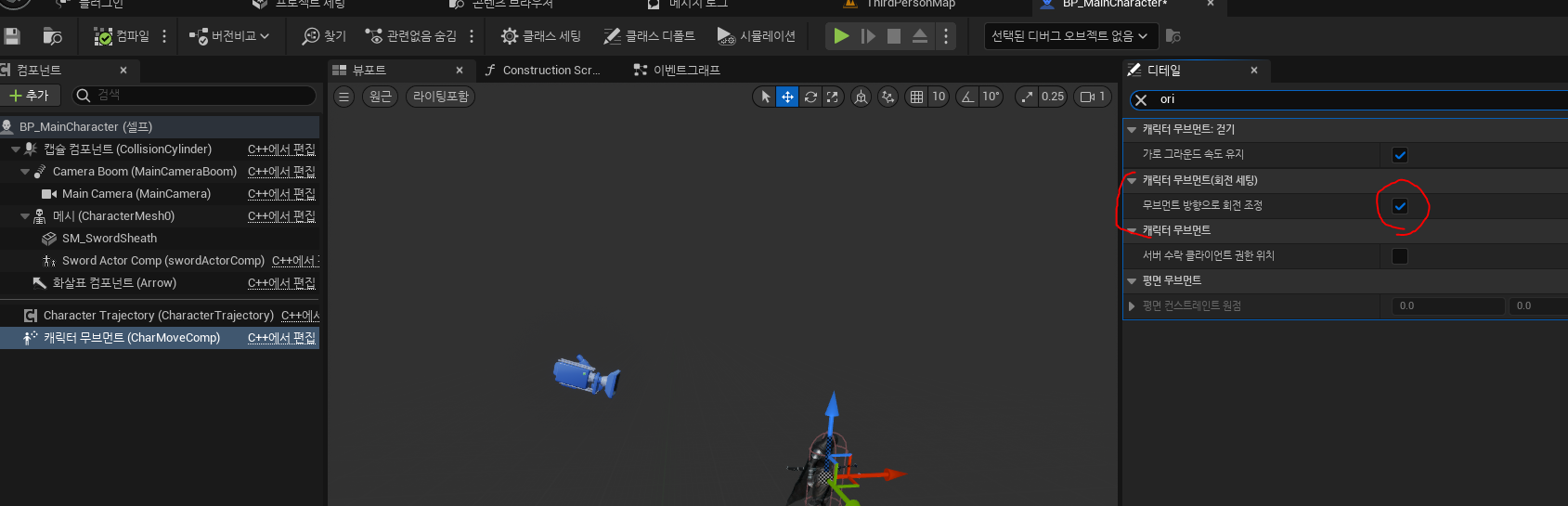
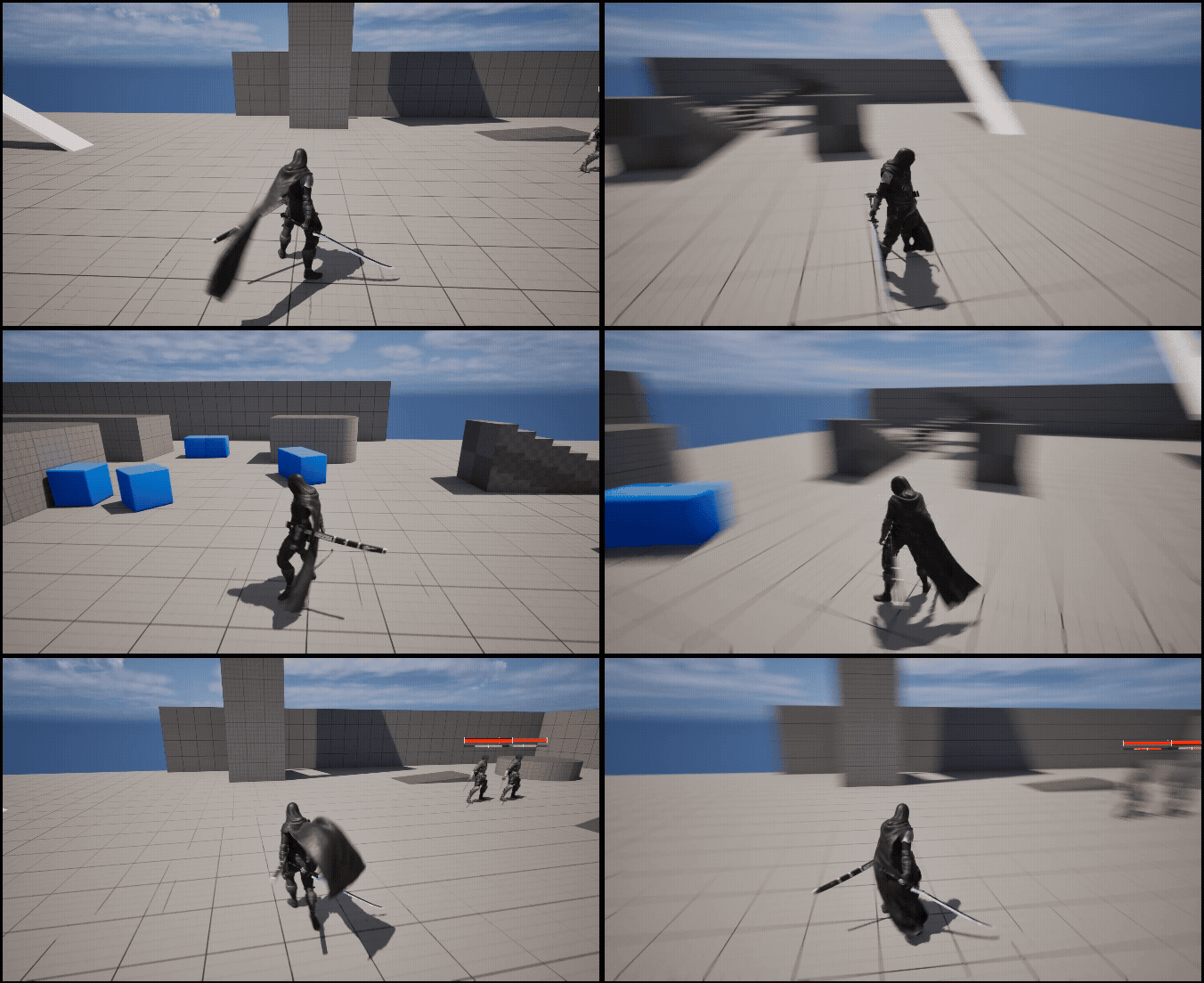
컨트롤러의 각도를 초기 설정해주는 함수를 만들고 beginplay에서 적용
void AMainCharacterController::InitialSetting()
{
	APawn* myPawn = GetPawn();
	if (!myPawn) return;
	//controller rotation
	FRotator startRot = myPawn->GetActorRotation();
	startRot.Pitch = 0.f; // 위로 보는 각도 초기화
	startRot.Roll = 0.f;
	SetControlRotation(startRot);
	AMainCharacter* mainCharacter = Cast<AMainCharacter>(myPawn);
	if (mainCharacter && mainCharacter->cameraBoom)
	{
		mainCharacter->cameraBoom->SetWorldRotation(FRotator(0.f, startRot.Yaw, 0.f));
	}
}
'Unreal 프로젝트 다이어리 > 두번째 프로젝트' 카테고리의 다른 글
| Unreal - 파쿠르 방해물 탐색 (0) | 2025.10.29 |
|---|---|
| Unreal - 적 타게팅 (0) | 2025.10.29 |
| Unreal - Posture Progress / Hit Direction (0) | 2025.08.29 |
| Unreal - HitInterface 상호작용 (0) | 2025.08.23 |
| Unreal - Hash 기반 AI/Enemy 데이터 설계하기 (0) | 2025.08.23 |